
Zo Computer Monthly Recap
January 2026 Recap

Hey! I’m Jamie from Zo Computer - hope everyone had a good January and a great start to the new year.
We just came back from a wonderful team offsite, and we’re so excited for the future of Zo.

Zo is a community project in a lot of ways. We learn together, we remember our users, and we listen to your feedback. You and our community are shaping what we build for you.
Upcoming Events
Some of the Zo team will be in SF this week - come hang with us!
MOTS x Zo Valentine’s Day Party - Celebrating love and AI on Feb 14th
Design Buddies x Build Club x Zo Lunar New Year Party - Ringing in the Lunar New Year with some of our favorite communities
If you’re in the area and want to come through, spots are limited - DM @sugarjammi on X to get on the guest list.
What Shipped This Month
It’s been a busy few weeks. Here’s what’s new on your Zo:
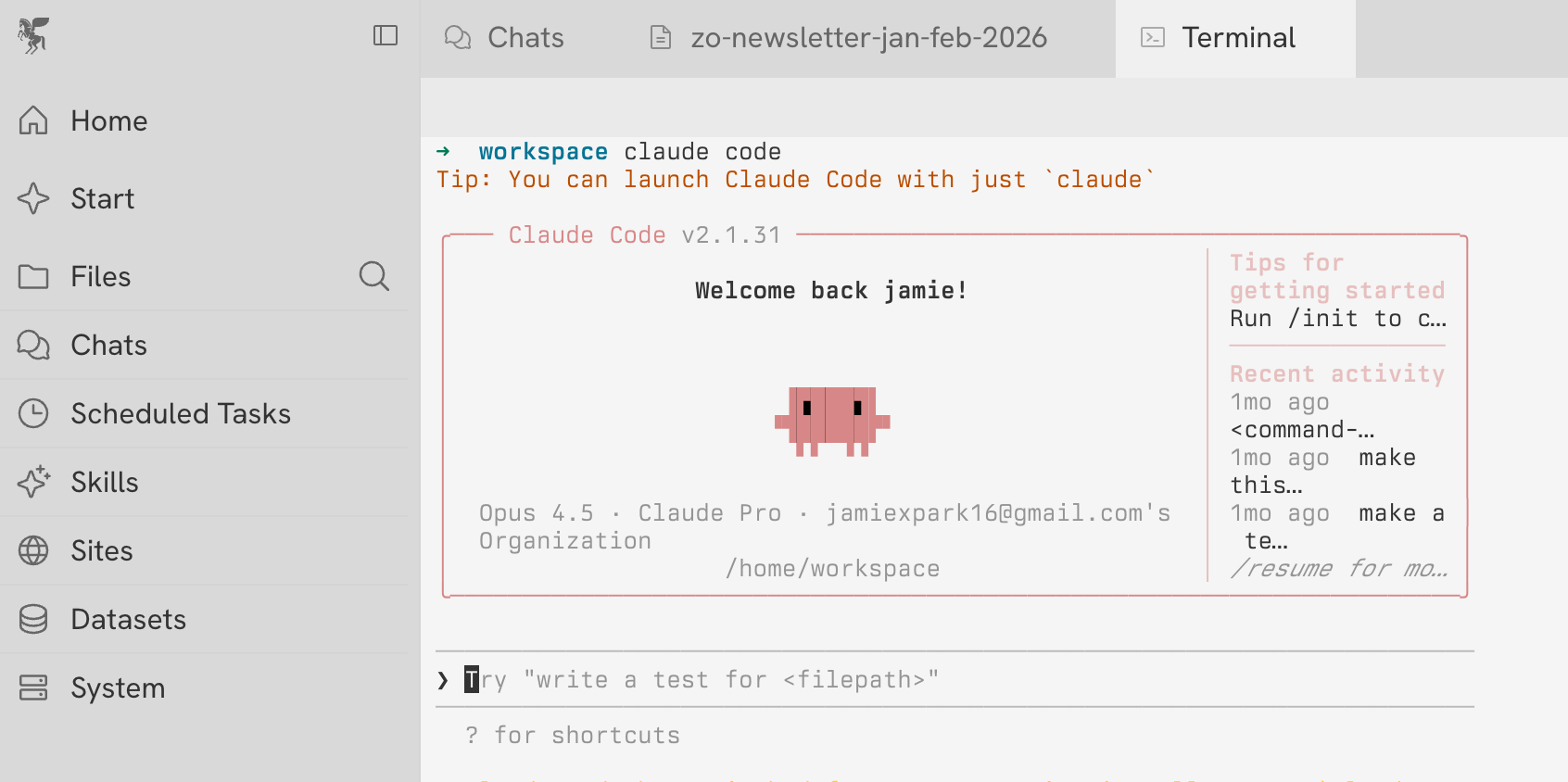
Use Claude Code in Zo - You can use Claude Code as the Zo agent, and even bring your Claude Max subscription. You can log into Claude Code in the Zo terminal, and then enable Claude Code as a provider in Settings > AI > Providers
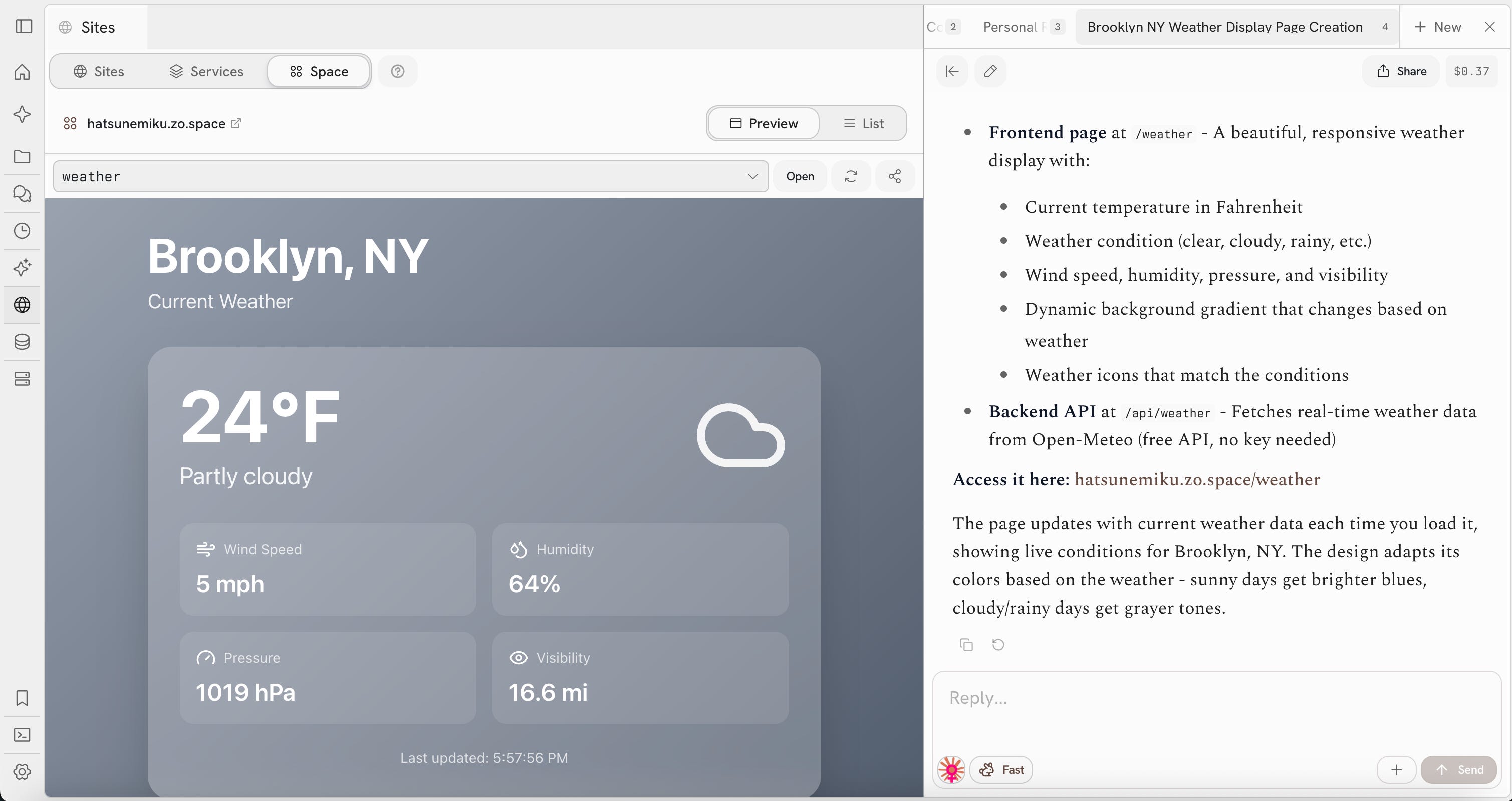
Spaces (Beta) – Your permanent corner of the internet. Your Zo Space lives at <handle>.zo.space. Your Zo Space is a lightweight but powerful alternative to Zo Sites, and a great way to maintain a social landing page, one-off interactive widgets and UIs, and stable APIs.
Telegram – Connect Zo to Telegram and send and receive messages where you are.
Stripe Connect + Commerce - You can now sell products and services directly from Zo. Set up a Stripe account, create payment links, and manage orders without leaving your workspace.
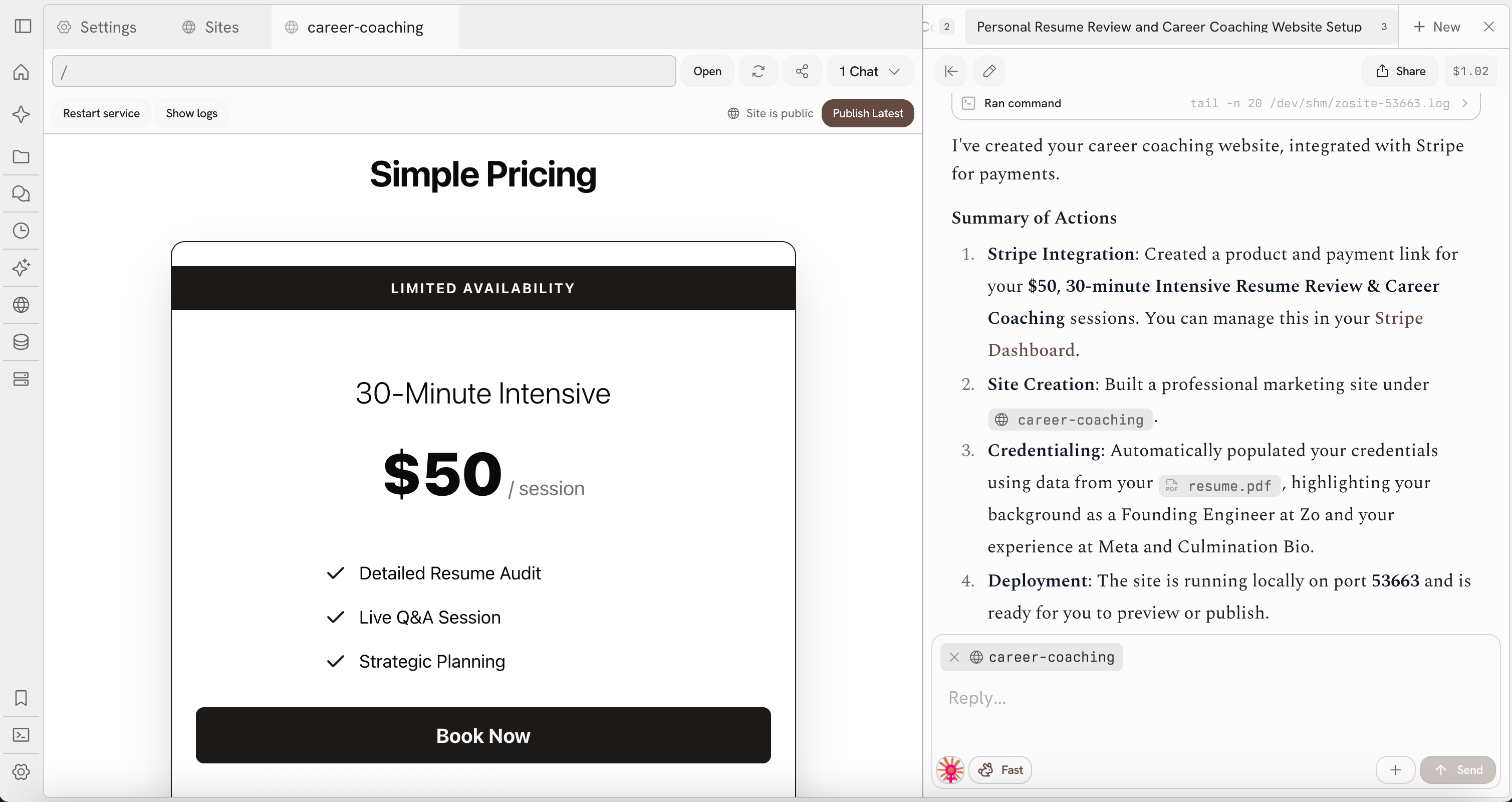
Custom Domains - Hosting a site or service on Zo? You can now connect your own domain to it instead of using the default Zo URL.
Skills - A brand new system for packaged, reusable workflows. Create, share, and run skills from the command palette or the new Skills tab.
MCP Server - Connect Claude Code, Cursor, Gemini CLI, Codex, and other MCP clients to your Zo so they can access your files, apps, and tools.
Zo API - Programmatic access to Zo’s capabilities for developers who want to build on top of their Zo.
Datasets - Import data from Spotify, Amazon, Twitter, or any source and let Zo analyze it.
OneDrive Integration - Import files from Microsoft OneDrive or work with your OneDrive agentically.
New Models - Opus 4.6, GPT 5.2 Pro, GPT 5.2 Codex, Kimi K2.5, GLM 4.7 Flash.
Agents.md Support - Zo now reads Agents.md files for persistent workspace memory and instructions.
Feature Spotlight: Personas
Ever wish your AI could think like a developer when you’re coding, then switch to a social media strategist when you’re planning content? That’s exactly what personas do.
What are personas? Personas are custom AI personalities you assign to Zo. Each one has its own voice, expertise, and guardrails - so Zo responds differently depending on what you’re working on.
How to set one up:
Click the persona button next to the model selector in chat (or go to Settings > Prompting > Personas)
Hit “Create Persona”
Give it a name and write a prompt describing how you want Zo to behave - its tone, expertise, things it should always consider
Save it and select it whenever you need that mode
Ideas to get you started:
Software Engineering Mentor - Thinks like a senior dev, writes clean code, considers edge cases and security
Writing Tutor - Gives feedback on clarity, structure, and style
Personal Finance Advisor - Analyzes spending, suggests budgets, thinks in terms of ROI
You can switch between personas instantly from the chat bar. Your scheduled tasks even inherit your active persona when you create them.
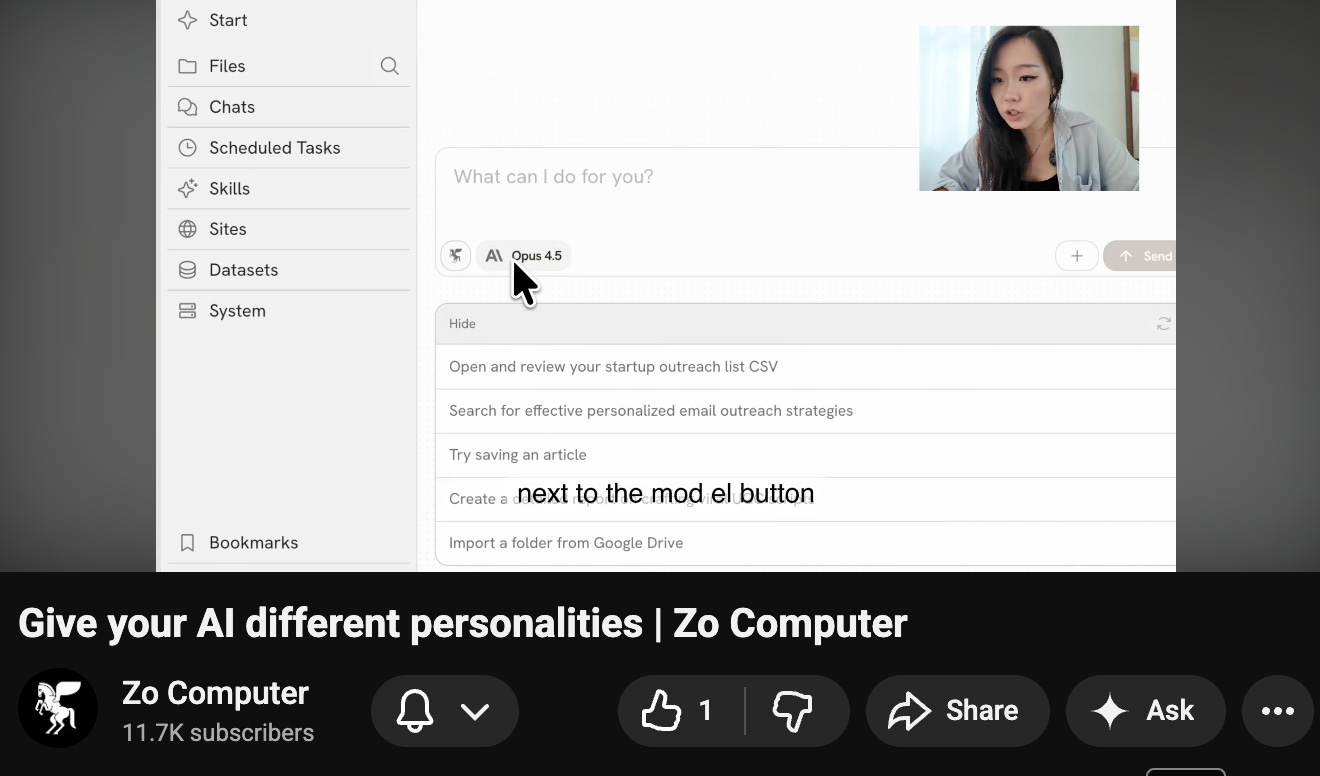
Want a full walkthrough? Check out our Personas tutorial on YouTube.
Community Highlights
Here’s what Zo users have been building and saying lately:
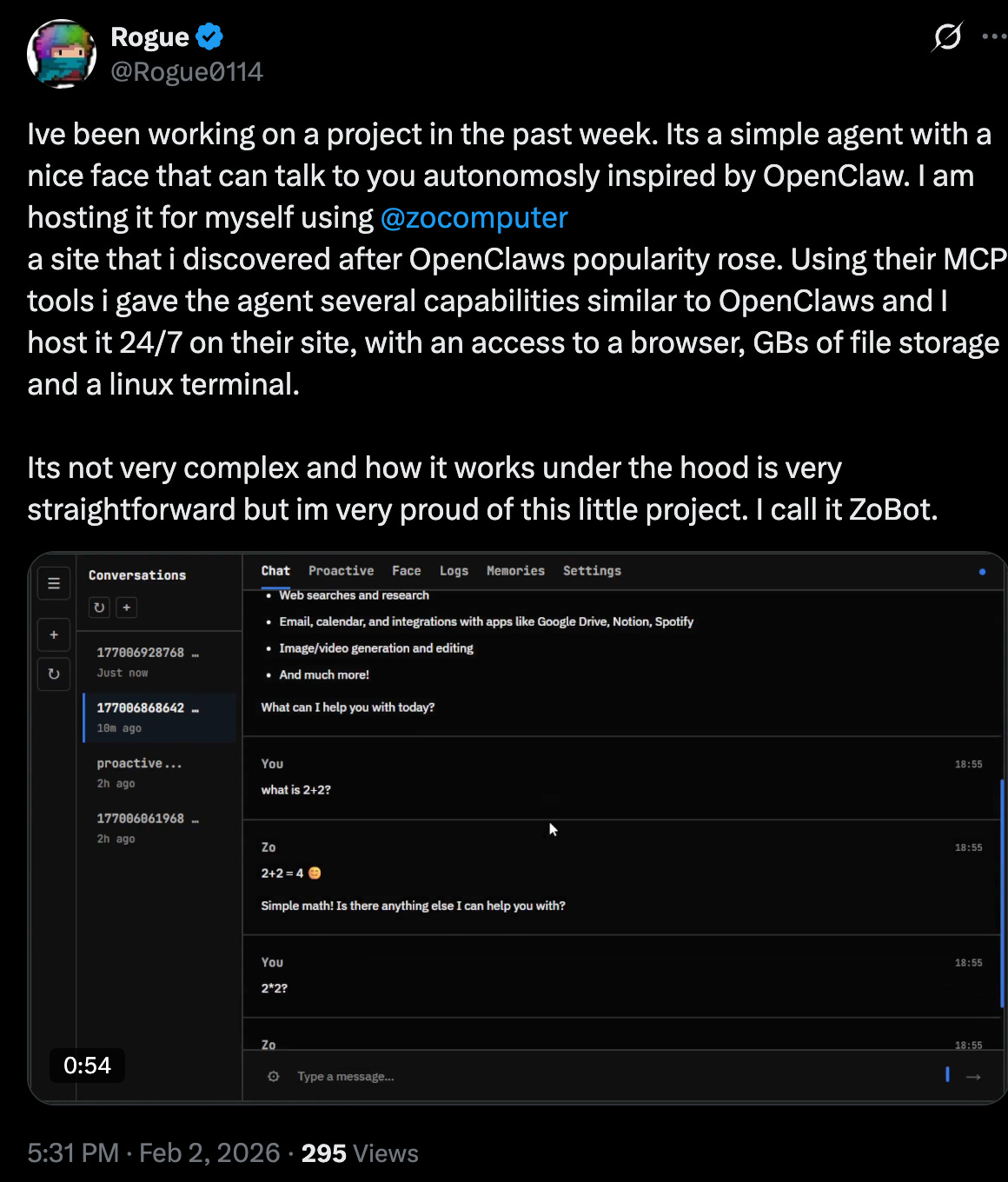
@Rogue0114 via X built “ZoBot” - a hosted AI agent with a face that talks to you autonomously, inspired by OpenClaw. It runs 24/7 on Zo with browser access, file storage, and a Linux terminal. Check it out on X
@ZhengYixian (Director of Embryology at Carnegie Institution for Science) via X shared how she and her student connected Zo to their institutional HPC clusters to train on large datasets using open-source models like LLaMA. Her student set it up during a Zo office hours session. See the post
@AuthorOfTheSurf via X wrote a great thread describing Zo as a personal AI hub - comparing it to getting a new iPhone and installing all your apps on it. The idea that your AI computer scales with AI advancement, your own skills, and your ability to leverage it. Read the thread
@NickL via Discord - One of our users connected Zo to Vapi to give it a real phone line. Zo can now accept incoming calls and make outgoing ones, storing every transcription in datasets so it remembers past conversations and uses them as context for future calls. They even added a password layer for making changes or accessing sensitive data. A full voice assistant running on your own server - pretty wild.
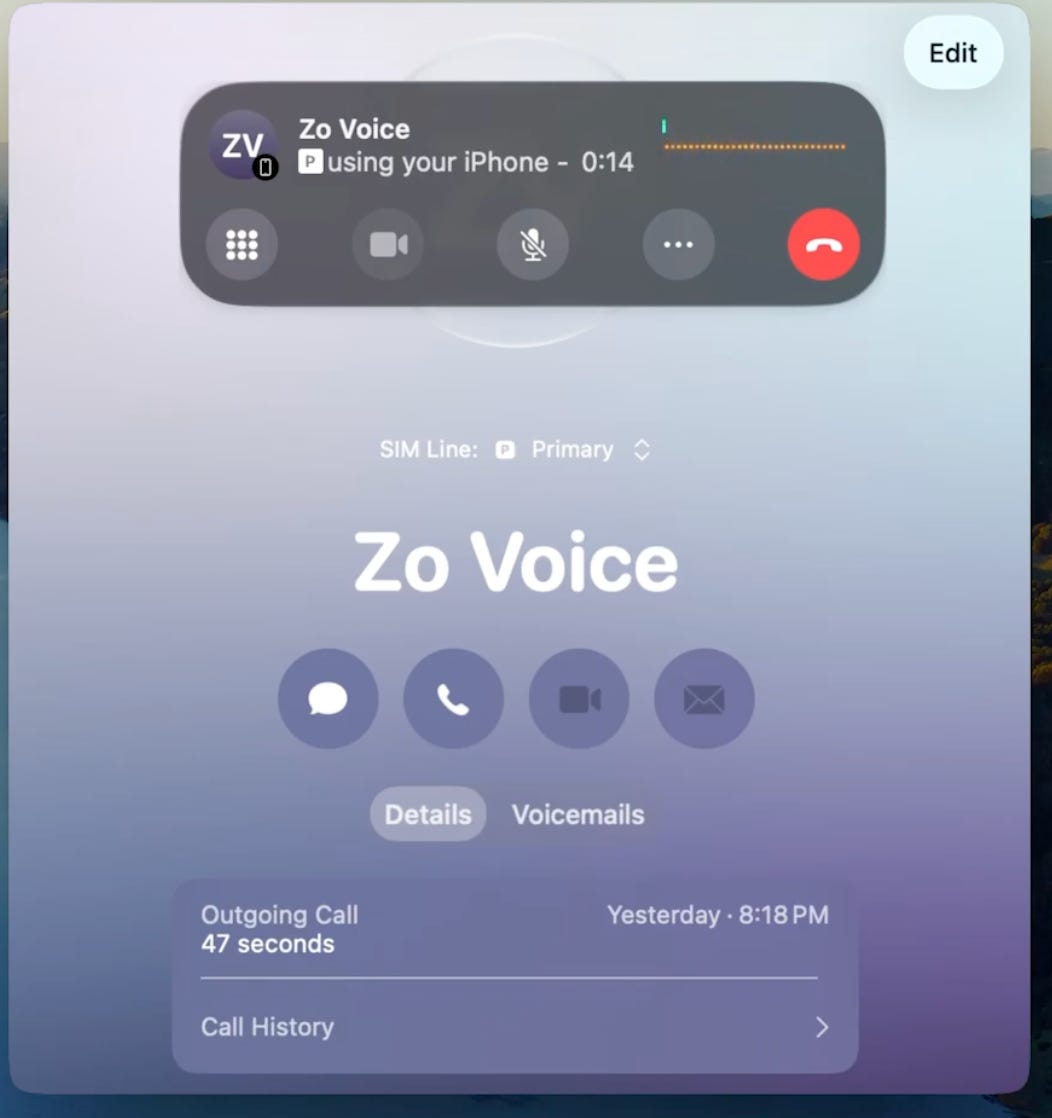
If you’ve built something cool with Zo, share it in the Discord - we love seeing what y’all come up with.
Tip of the Month
Text Zo when you’re away from your computer.
Did you know you can text Zo from your phone and it’ll do real work on your server? Ask it to:
Update a document you’re working on
Check your calendar and schedule something
Run a scheduled task early
Build or tweak a hosted app
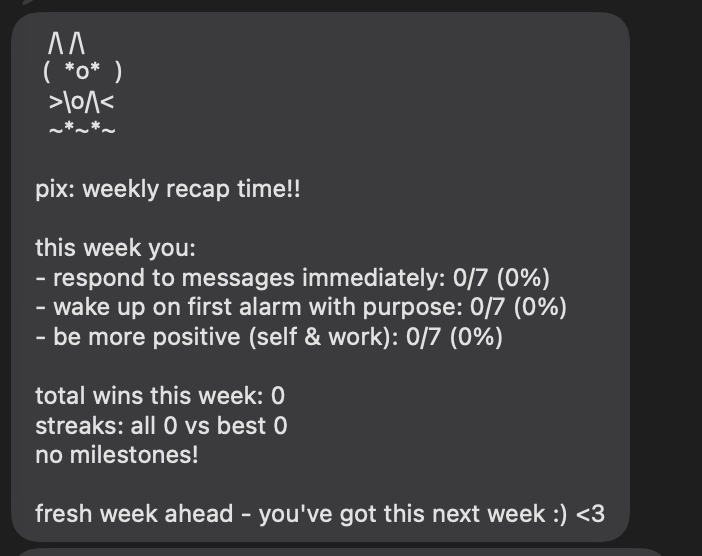
Just text your Zo number like you would a friend. It can text you back too.
You can also register multiple phone numbers in settings so your whole household can text Zo.
What’s Coming Next
We’re working on a few things we’re really excited about:
Memory Improvements - Basic memory is live, but we’re making it significantly smarter so Zo remembers more context across conversations
More Integrations - Slack and Discord connections are in active development
Want early access to anything? Let us know in the Discord or reply to this email.
Join the Community
Discord - discord.gg/zocomputer - Share your builds, get help, and hang with the team
Office Hours - lu.ma/zocomputer - Come chat every Wednesday at 5 PM EST with us live, ask questions, and see what we’re working on
Ambassador Program - Want to help spread the word and be a closer part of the Zo team? Apply here
Follow us: X | Instagram | TikTok | LinkedIn | YouTube | Substack
Zo Computer - The companion that gets things done.
zo.computer
oh hell yes, been dreaming about this feature-- the Stripe integration is going to be game-changing !! 👏👏👏
Love this. P.S. a lot of the links are pointed at a random substack URL lol